
Best Projectors for Gaming: Big-Screen Play Done Right
Introduction
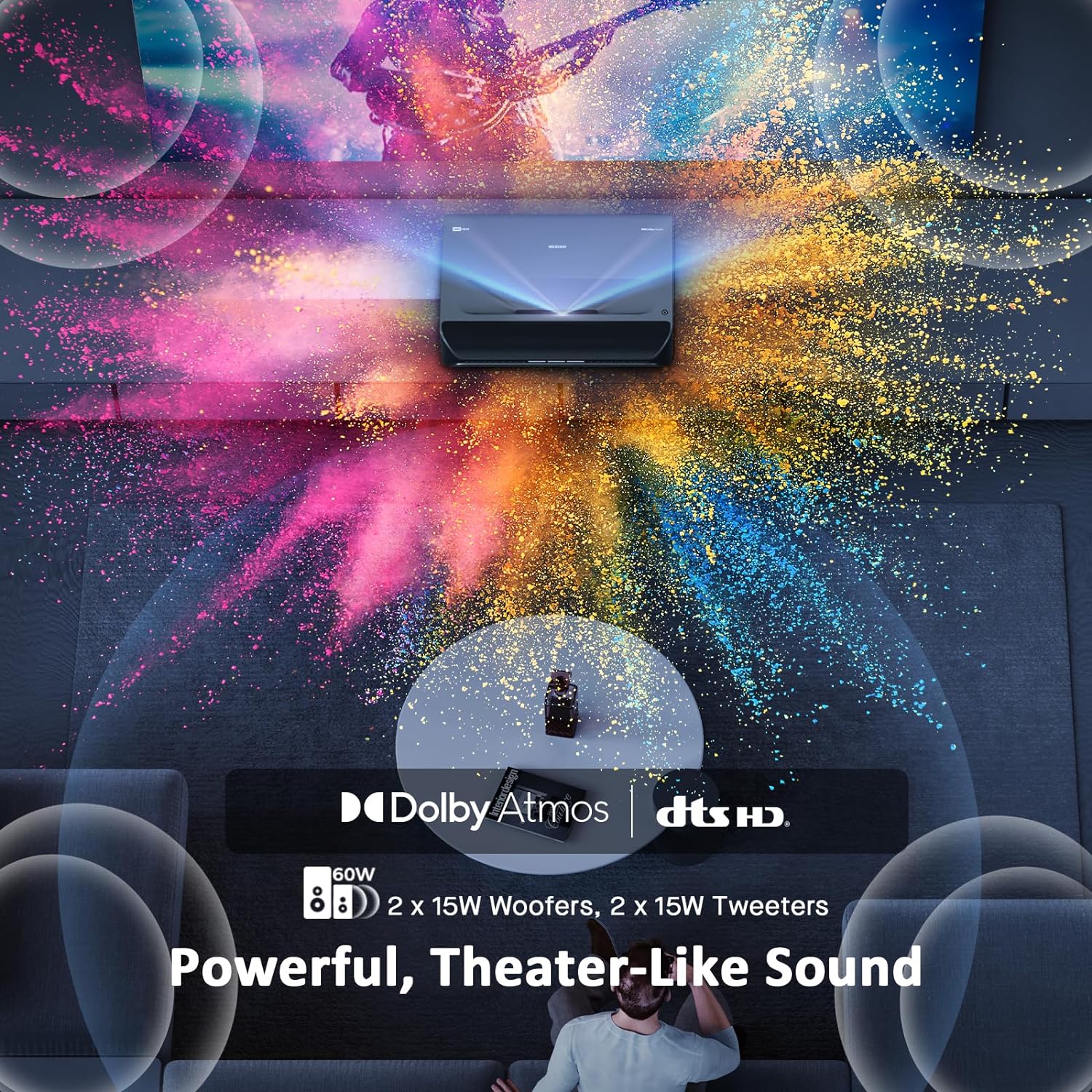
Gaming on a projector can feel spectacular. A racing game across a huge wall, a cinematic RPG on a 100-inch image or a couch co-op session with friends can be far more immersive than a normal television. But projectors are not automatically better for gaming, and they are rarely the right choice for every player.
This guide explains what gamers should look for when comparing projectors, including input lag, refresh rate, brightness, resolution, HDR and setup. It also explains where projectors fall behind gaming TVs and monitors.
Input lag is the key gaming specification
Input lag is the delay between pressing a button and seeing the result on screen. For gaming, this matters more than many image-quality features. A projector with high input lag can make fast games feel sluggish even if the picture looks impressive.
Casual players may be comfortable with higher lag in slower games, but competitive players should look for a dedicated game mode with low latency. For fast shooters, fighting games and online multiplayer, a gaming monitor or TV may still be better.
Casual gaming versus competitive gaming
Projectors are strongest for casual, cinematic and social gaming. They suit adventure games, sports titles, party games, racing games and single-player console sessions where immersion matters more than reaction speed.
Competitive players need lower latency, higher refresh rates and consistent visibility. If you play ranked shooters or esports titles seriously, a projector is usually a secondary screen for fun rather than your main competitive display.
Resolution: 1080p, 1440p and 4K
Resolution affects sharpness, especially on large screens. A 1080p projector can still look good at moderate sizes, but the image may soften when stretched very large. 4K projectors deliver more detail and pair well with modern consoles, but they cost more.
Some affordable projectors accept 4K signals but display at a lower native resolution. Check native resolution, not just supported input resolution. For most console gamers, true 1080p is the minimum and 4K is the premium target.
Refresh rate and motion handling
Refresh rate determines how many times per second the image updates. Many projectors still run at 60Hz, which is fine for most console games. Some gaming-focused models support 120Hz or higher at lower resolutions.
Higher refresh rates help fast motion feel smoother, but only if the console or PC can output those frames and the projector accepts them with low lag. Motion processing features designed for films should usually be disabled for gaming because they can add delay.
Brightness and room lighting
Projectors need light control. A gaming TV can look punchy in daylight, while a projector image may wash out in a bright room. Brightness is measured in lumens, but real-world performance also depends on screen size, wall colour and ambient light.
For best results, use curtains, dimmable lights and a suitable screen. If you only game during daytime in a bright room, a TV is likely to be more practical.
Screen size and viewing distance
The big advantage of a projector is image size. However, bigger is not always better. If the image becomes too large for your seating distance, you may need to move your head to follow action, which can be tiring in fast games.
For many living rooms, 80 to 120 inches is the sweet spot. Test the projected size on a blank wall before buying a screen. Comfort matters as much as spectacle.
HDR expectations
HDR on projectors is more complicated than HDR on TVs. Projectors cannot usually match the peak brightness of good televisions, so HDR may look more subtle. A well-tuned projector can still create a rich image, but do not expect the same highlight intensity as a bright OLED or mini-LED TV.
Look for good tone mapping and game-friendly picture modes rather than assuming HDR support alone guarantees great results.
Short throw and ultra short throw projectors
Short throw projectors can create a large image from close to the screen, which is useful in smaller rooms. Ultra short throw models sit very near the wall and can feel more like a TV replacement.
They are convenient, but alignment is important. Small changes in position can distort the image, and some require specialist screens for best brightness and contrast.
Sound and audio delay
Built-in projector speakers are rarely ideal for gaming. They may work for casual play, but a soundbar, AV receiver or gaming headset usually gives better results.
Check audio output options and watch for delay. Bluetooth audio can introduce latency, which is distracting in rhythm games, shooters and dialogue-heavy titles. Wired HDMI ARC, optical or low-latency wireless solutions are usually safer.
Setup tips for better gaming
- Enable game mode to reduce processing delay.
- Turn off motion smoothing and unnecessary picture processing.
- Use a proper screen or smooth neutral wall.
- Reduce ambient light as much as possible.
- Keep the projector ventilated to reduce fan noise and heat.
- Use a good HDMI cable rated for your console or PC output.
It is also worth comparing related audio and entertainment devices if you are building a full gaming room.
Projector versus gaming TV
A gaming TV is usually better for everyday convenience, HDR brightness, low latency and daytime use. A projector wins on image size and cinematic atmosphere. The right choice depends on whether you want the most responsive display or the biggest, most social experience.
Verdict
Projectors are excellent for casual console gamers, families, movie fans and anyone who wants a big-screen gaming experience at home. They are less suitable for serious competitive players, bright rooms or users who want plug-and-play simplicity.
Buy a gaming projector for immersion, not because it will outperform a good gaming monitor. Used in the right room with sensible settings, it can make games feel enormous and exciting in a way few TVs can match.
What to look for when comparing models
When choosing between gaming projectors, compare them as gaming displays first and projectors second. The headline brightness and resolution are useful, but they do not tell you whether a game will feel responsive. Look for stated input lag figures in game mode, supported refresh rates at each resolution, HDMI version and whether the projector can accept the output your console or PC actually sends.
Console owners should check 4K at 60Hz support as a baseline for premium systems. PC gamers may care more about 1080p or 1440p at higher refresh rates. If the projector only supports its best refresh rate at a lower resolution, decide whether smoothness or sharpness matters more for the games you play.
Heat, fan noise and placement
Gaming sessions can last for hours, so fan noise and heat matter. A projector placed close to the sofa may become distracting if the fan ramps up during bright scenes or warm weather. Ceiling mounting, rear shelf placement or a short throw layout can help, but each option affects cable routing and sound setup.
Leave enough space around vents and avoid enclosing the projector in a tight cabinet. Heat can reduce performance and may shorten lamp or light-source life. LED and laser models often need less maintenance than traditional lamp projectors, but they still require airflow.
Online gaming considerations
For online games, your display is only part of the responsiveness chain. Network latency, controller connection, console performance and game servers also contribute. A low-lag projector helps, but it will not fix poor Wi-Fi or unstable broadband.
If you play online on a projector, use wired Ethernet where possible, keep the console close to the router or use a reliable mesh setup, and avoid Bluetooth audio if it adds noticeable delay. A projector can be great for online casual play, but competitive players should test the setup before committing.