
Sat Nav Features Explained: What Do You Actually Need?
Introduction

Sat navs have changed a lot since the basic devices that simply told drivers when to turn left or right. Modern models can include live traffic, lane guidance, speed camera alerts, voice control, Bluetooth, map updates and specialist routing. The problem is that not every feature is equally useful for every driver.
This guide explains the most common sat nav features in plain English, with a practical look at who needs each one and when it may be unnecessary. If you are comparing options, start with the main sat nav category and think about your driving habits before paying for extras.
Live traffic
Live traffic is one of the most valuable sat nav features for regular drivers. It uses traffic data to warn about congestion, accidents and delays, then may suggest a faster route. For commuters, delivery drivers and anyone travelling through busy towns, it can save time and reduce stress.
It is less important if you drive mostly on quiet local roads or only use navigation occasionally. Smartphone apps already offer strong traffic data, so a dedicated sat nav must offer convenience, a larger screen or better offline reliability to justify the extra cost.
Speed camera alerts
Speed camera alerts warn drivers when approaching fixed or reported camera locations. The main benefit is awareness, especially on unfamiliar roads where limits change often. They can also help prevent accidental speeding during long motorway journeys.
They are not a substitute for watching road signs. Some drivers also find constant alerts irritating in towns. If this feature matters to you, check whether updates are free, subscription-based or dependent on smartphone connectivity.
Voice guidance
Voice guidance lets you keep your eyes on the road instead of constantly checking the screen. Basic systems announce turns and distances, while better models use road names, landmarks or clearer junction instructions.
This feature is useful for almost everyone, but quality varies. A loud, natural voice with timely instructions is more helpful than a feature list full of clever wording. It is unnecessary to pay extra for advanced voice features if you mostly drive familiar routes.
Lane assist
Lane assist shows which lane to use before junctions, roundabouts and motorway splits. It is especially useful in unfamiliar cities or on complex multi-lane roads where a late lane change can cause stress.
Drivers who rarely leave familiar local roads may not need advanced lane graphics. However, nervous drivers or anyone taking long trips will often find lane assist one of the most reassuring features on a dedicated sat nav.
Junction views
Junction views go a step further than lane assist by showing a more realistic visual of motorway exits or major junctions. This can make instructions easier to understand when several lanes, signs and exits appear at once.
The feature is most useful for motorway driving and unfamiliar routes. It is less important for short local trips, where a simple arrow and spoken instruction are usually enough.
Map updates
Roads change constantly. New developments, altered junctions and revised traffic layouts can make old maps frustrating. Lifetime map updates are a strong feature because they keep the device useful for longer.
If you are buying a dedicated sat nav, free or included map updates should be high on your list. Paying repeatedly for updates can make a cheaper model more expensive over time. Occasional drivers may update less often, but outdated maps eventually become noticeable.
Offline maps
Offline maps are a major advantage over some phone-based setups. A sat nav with stored maps can keep guiding you through areas with weak mobile signal, rural roads, tunnels and foreign travel where mobile data may be limited.
This matters most for touring holidays, countryside driving and professional use. If you only drive in well-covered urban areas, offline capability may be less of a deciding factor.
Screen size and brightness
A larger display can be easier to read at a glance, but bigger is not always better. A seven-inch screen may suit vans, motorhomes and drivers who prefer larger text. In a small car, it can feel bulky or block too much windscreen space.
Brightness, anti-glare coating and clear graphics matter as much as size. A smaller, clearer screen can be better than a large display that washes out in sunlight.
Voice control
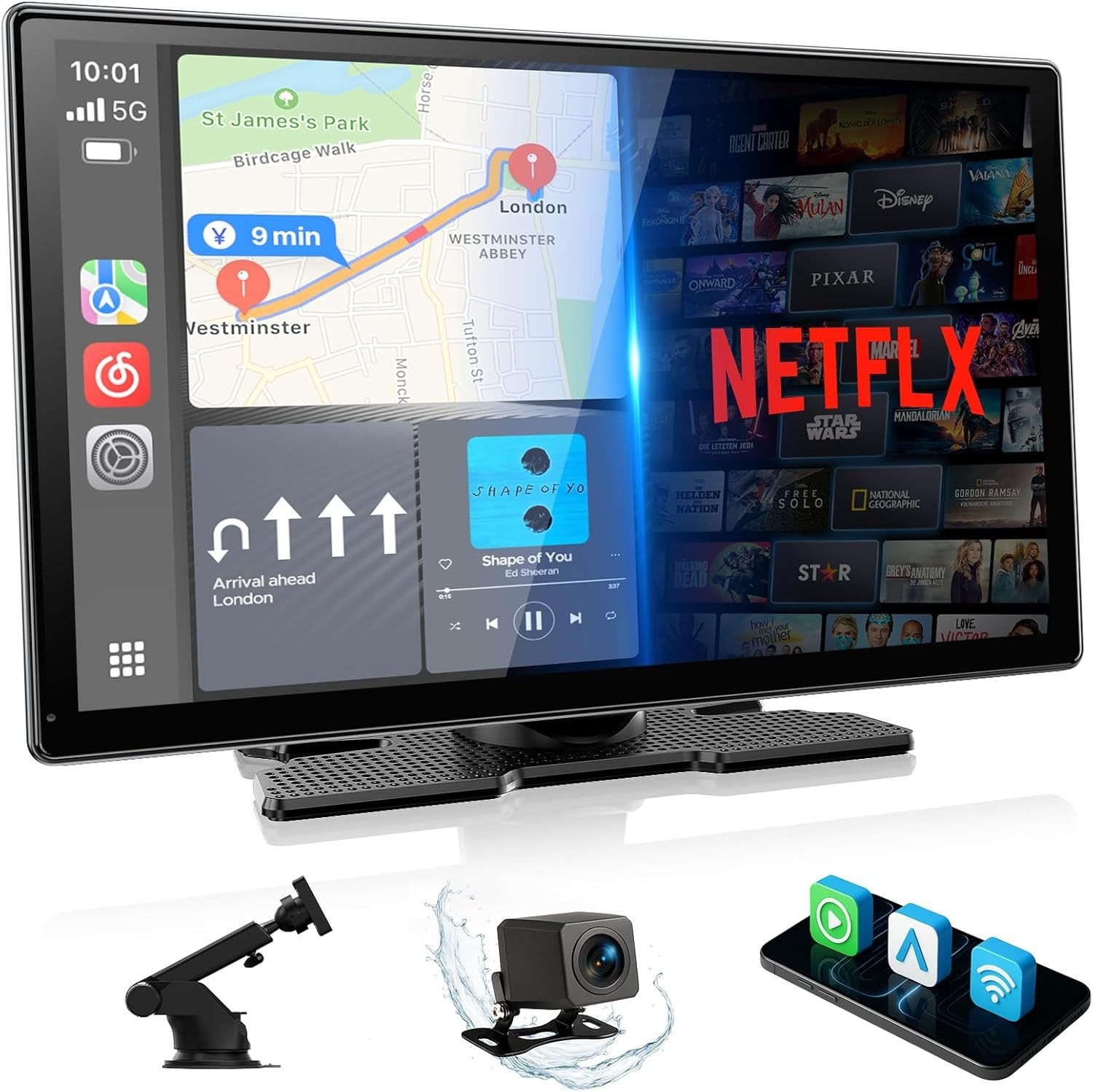
Voice control lets you search for destinations or change settings without typing. It can be helpful when parked or when a passenger is not available to adjust the route.
In practice, voice control quality varies widely. If it misunderstands names or postcodes, it quickly becomes frustrating. Treat it as a bonus rather than a must-have unless hands-free destination entry is genuinely important to you.
Bluetooth and phone connectivity
Some sat navs connect to a phone for traffic data, hands-free calls or notifications. This can be useful in older cars without modern infotainment, but it may duplicate features already available through Apple CarPlay, Android Auto or built-in Bluetooth.
Drivers with newer cars should check whether a standalone sat nav adds anything meaningful beyond the phone and dashboard system they already use.
Points of interest
Points of interest help you find petrol stations, car parks, restaurants, hotels and attractions. This is useful on long journeys and holidays, especially when travelling with family or towing a caravan.
For short commutes, it is less important. Many drivers now search on a phone before setting off, but having POI data directly in the sat nav remains convenient when travelling.
Specialist vehicle routing
Truck, caravan and motorhome routing can account for height, weight, width and road restrictions. This is essential for drivers of larger vehicles. A normal car route can lead vans or caravans down unsuitable lanes or under low bridges.
Car drivers do not need to pay extra for these specialist databases. For larger vehicles, they can be one of the most important reasons to buy a dedicated device.
When a smartphone is enough
For many casual drivers, a smartphone app provides excellent navigation. It is cheap, always updated and familiar. If you mainly drive locally, have reliable mobile data and own a good phone mount, a dedicated sat nav may be unnecessary.
A standalone sat nav still makes sense if you want a separate screen, reliable offline maps, specialist routing, long-distance comfort or a device that does not drain your phone battery.
Final summary
The most useful sat nav features are live traffic, clear voice guidance, lane assist and included map updates. Speed camera alerts, junction views and phone connectivity can be valuable, but they depend more on how and where you drive.
Do not buy the longest feature list automatically. Buy the device that makes your own journeys easier, safer and less stressful.